
Download the Hevoset App

Plan your own visit with the Hevoset app! Save exhibitors, products, and program highlights as favorites. Build your own personal schedule and easily find both exhibitors and program stages using the interactive map.


How to get started with the app:

  1. Register as a user
  2. Activate your profile via the link sent to your email
  3. Download the app and sign in


App store
Google play

How to use the app

Card image
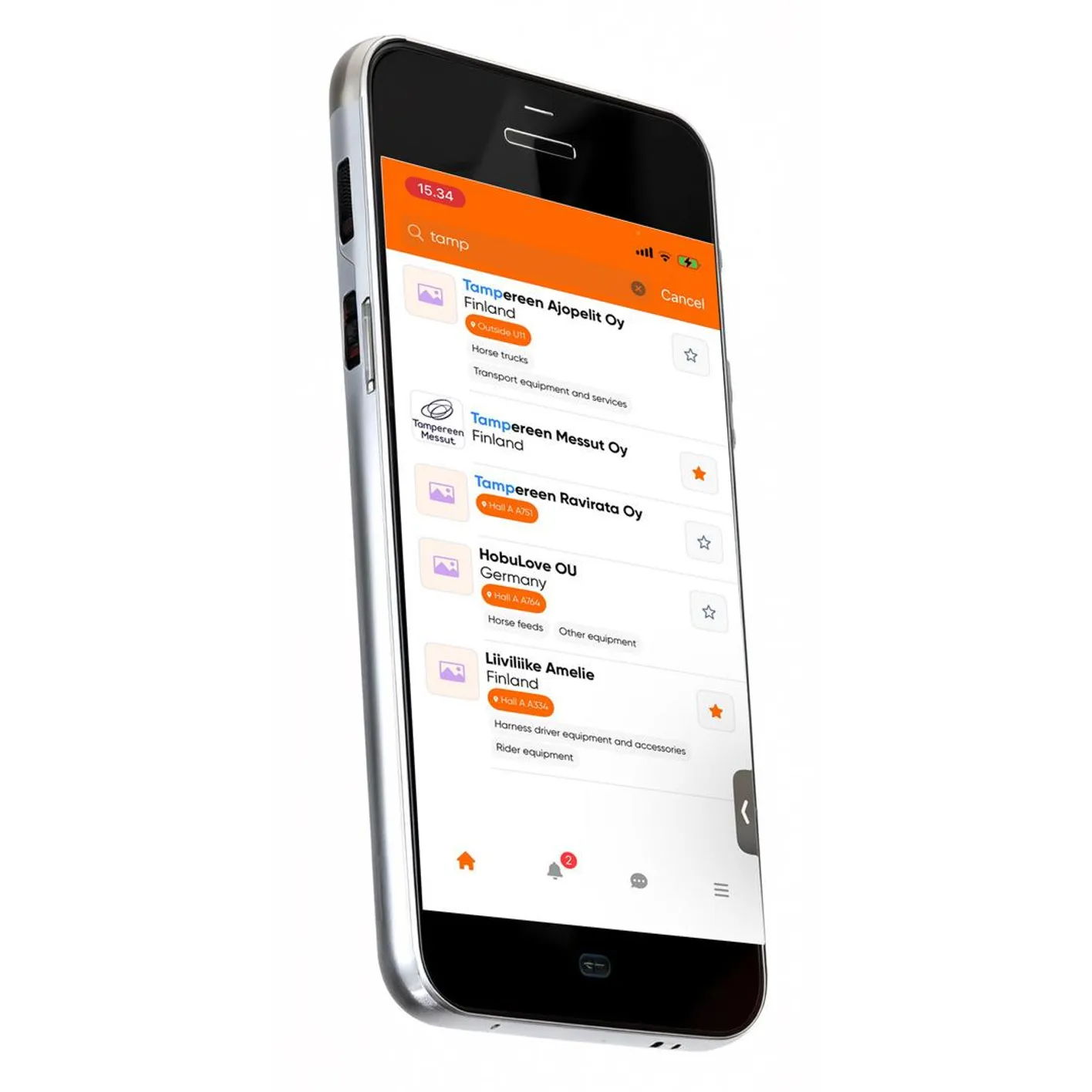
Favorites
Save products, exhibitors, and programme sessions as favourites. Plan your visit easily and get reminders when your favourite sessions start.
Card image
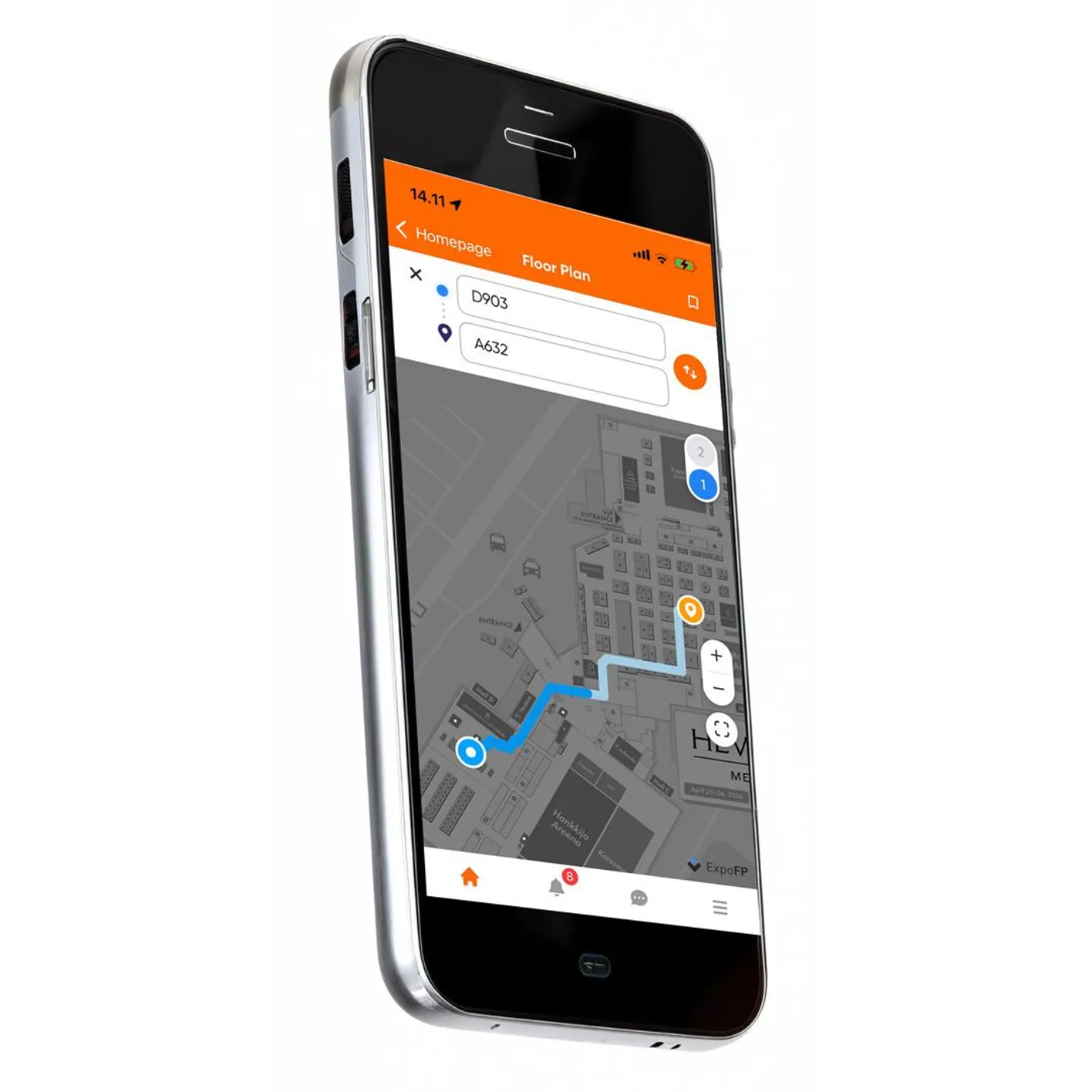
Floor plan
Use the interactive map to navigate the venue easily and find routes between stands.
Card image
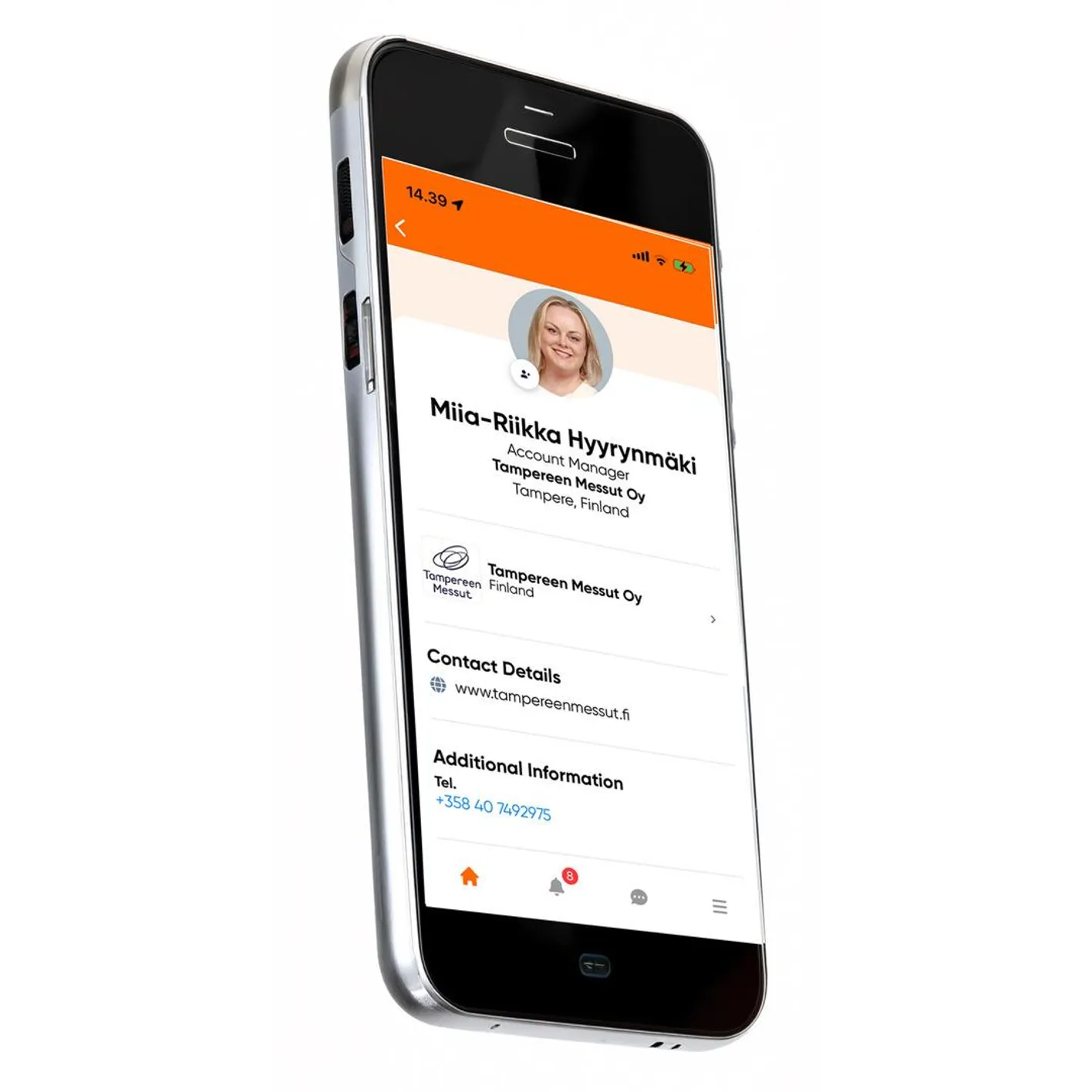
Send messages or call
Contact exhibitor team members easily by sending a message or making a call.

Exhibitors and the Hevoset App

Make the most of your exhibitor profile in the Hevoset app. Add your personal details and phone number to your exhibitor profile so that visitors who have downloaded the app can contact you directly.


How to get started with the app:

  1. Ask your company’s main user to add you as a team member
  2. Activate your profile via the link sent to your email
  3. Download the app and sign in
  4. Once signed in, tap the menu icon in the bottom right corner. Select My Profile and review your profile information.
App store
Google play